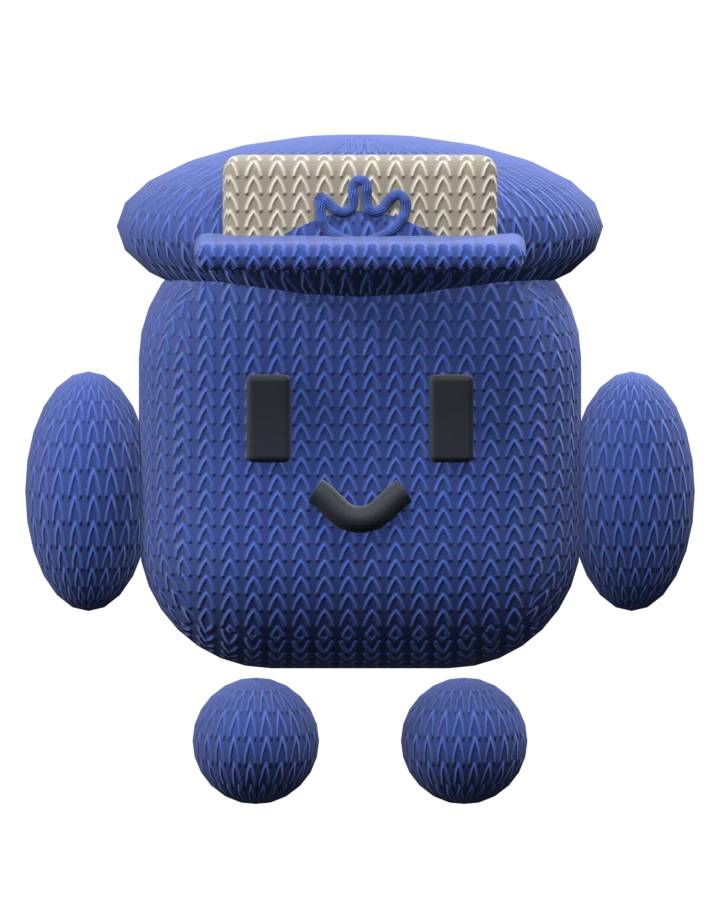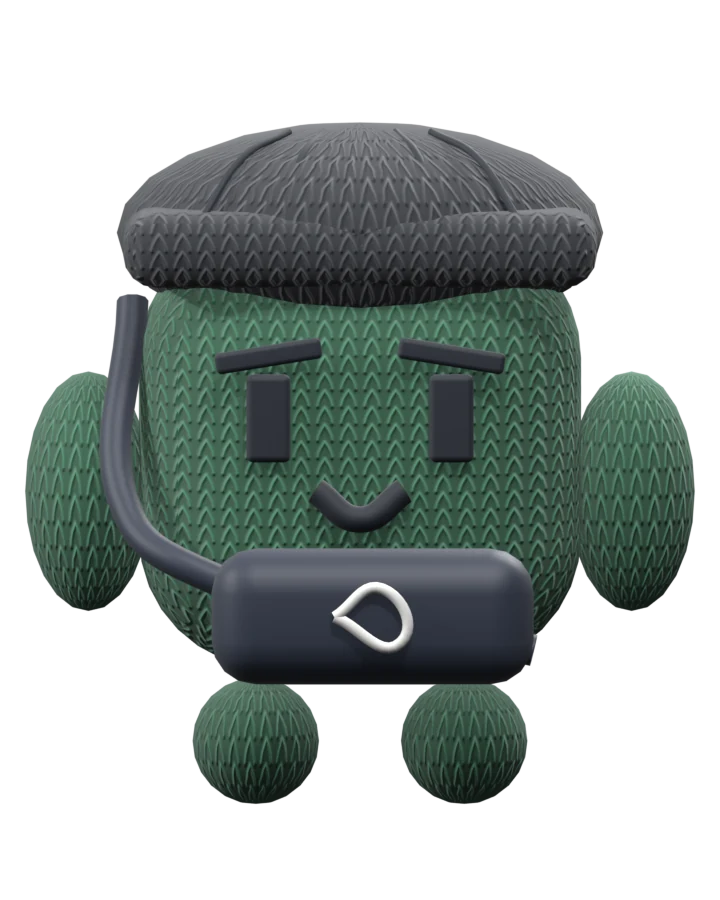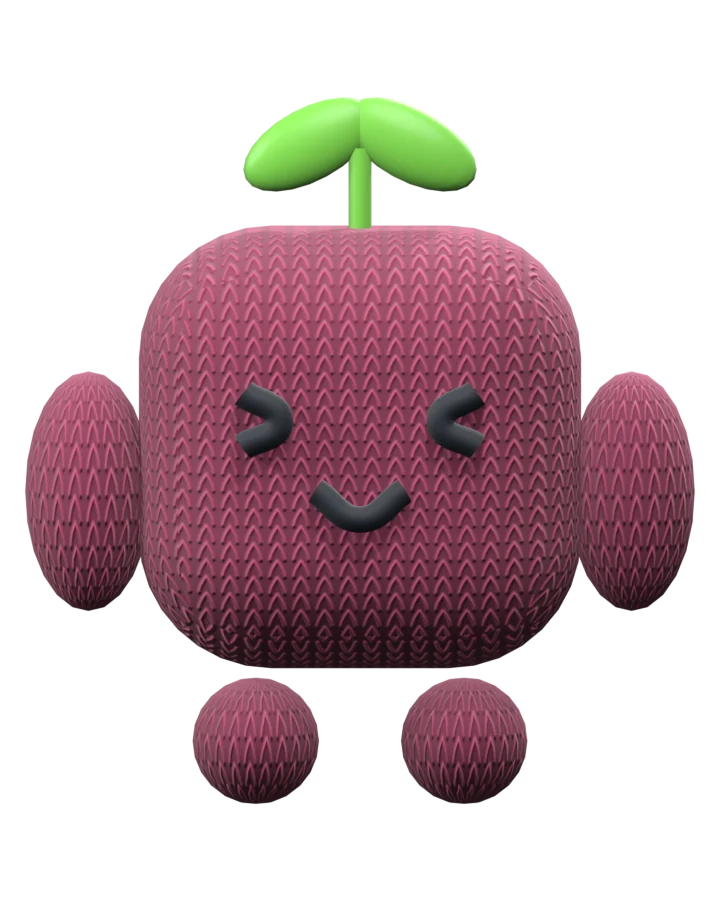
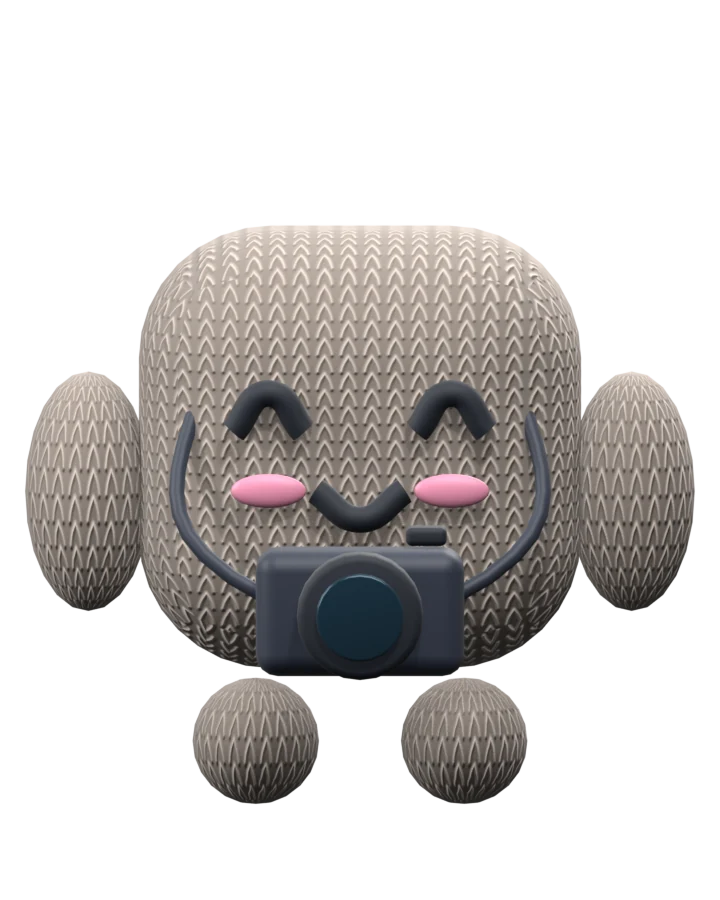
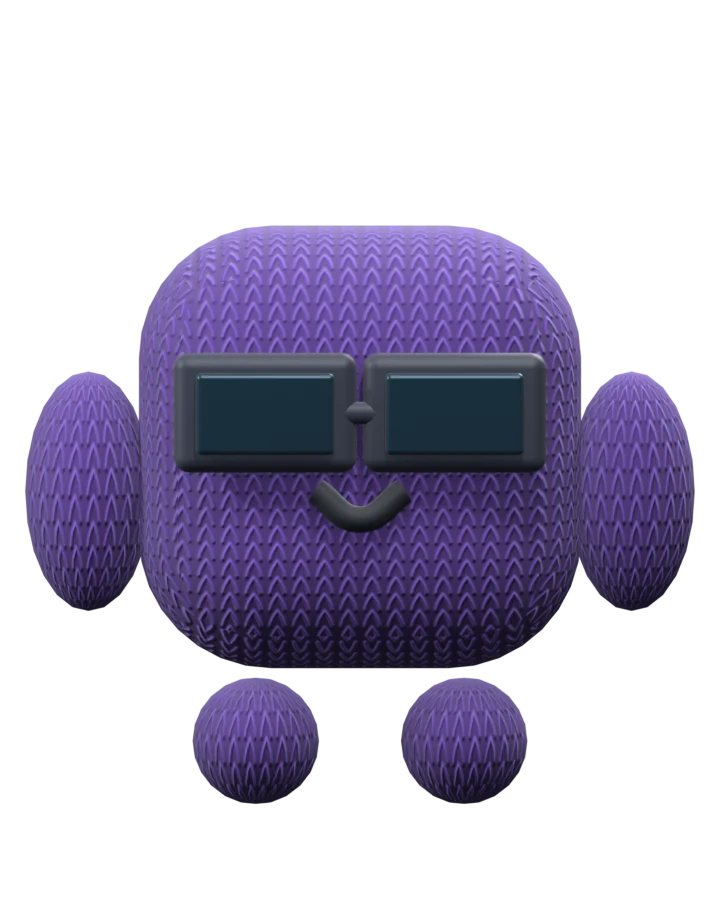
01 Your company, your crew
Make the
office yours.
Set your company name, logo, and mission. Create up to six coworkers with names, roles, and the company facts they need to get started.
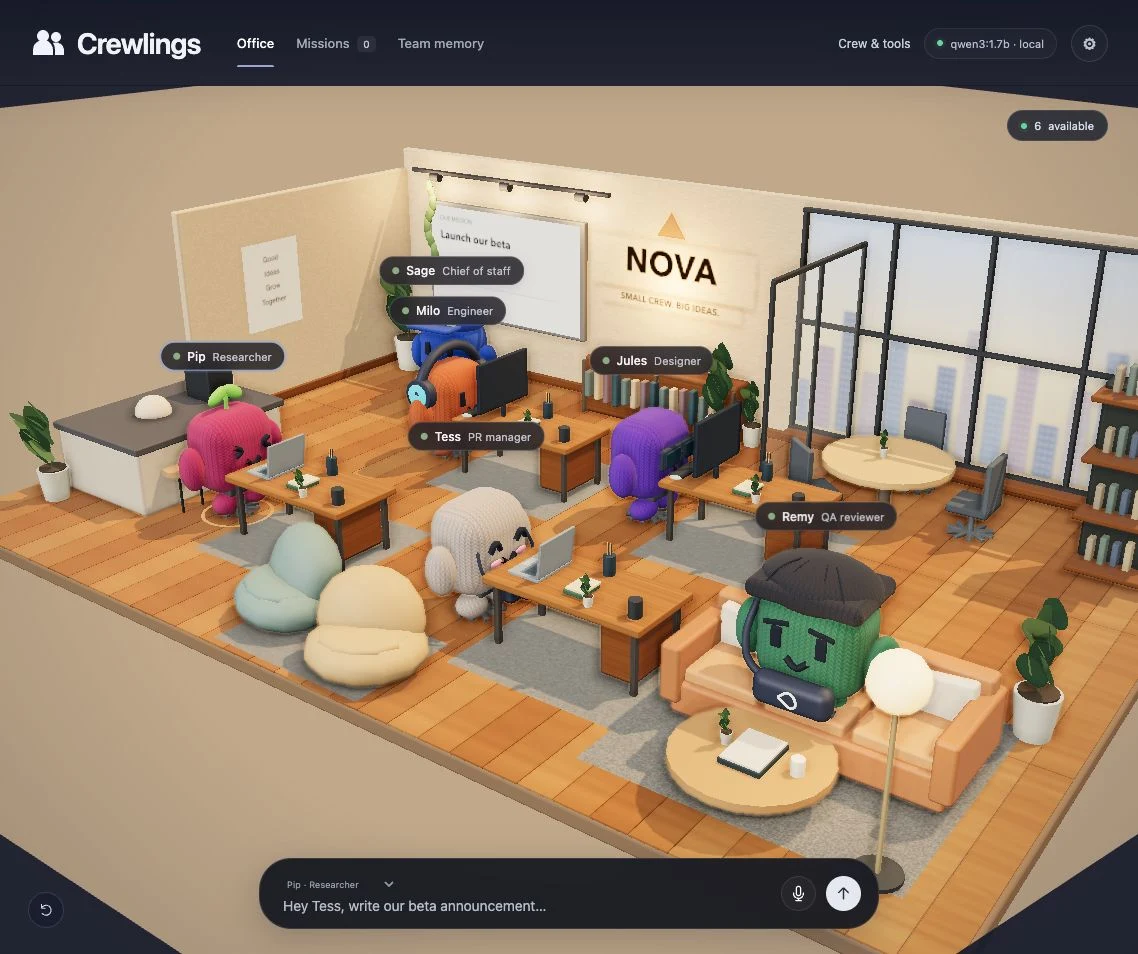
Meet your AI coworkers.
Bring Silicon Valley to you.
Your AI crew, together in one office.
Coming soon
The film / 01:00
A familiar place to give AI work.
And see what happens next.
Work has a place now.
Name your coworkers. Give them roles. Share an instruction, then follow the work through browser pages, saved files, and teammate handoffs.
01 Your company, your crew
Set your company name, logo, and mission. Create up to six coworkers with names, roles, and the company facts they need to get started.
02 A clear starting point
Free coworkers raise a hand. Choose one and give them a brief. Type an instruction, or record it, review the transcript, and send.
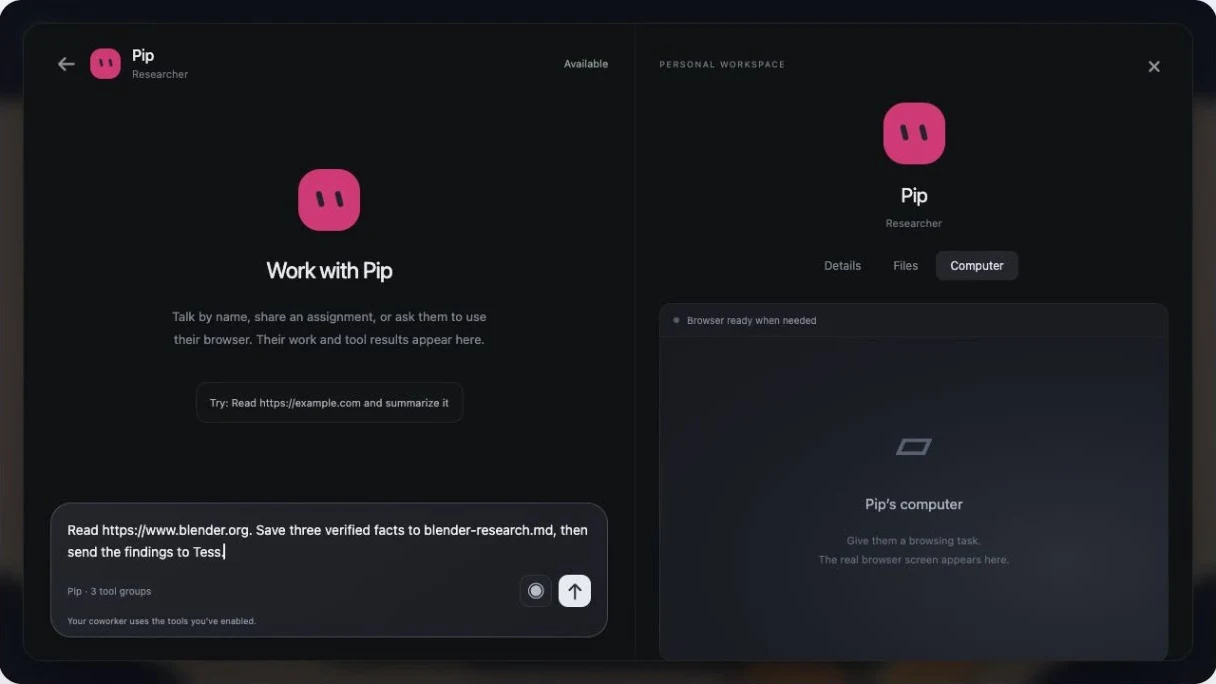
03 Work you can follow
Open a coworker's chat to see their browser screen, saved files, and tool activity. Each has a personal browser context and workspace.
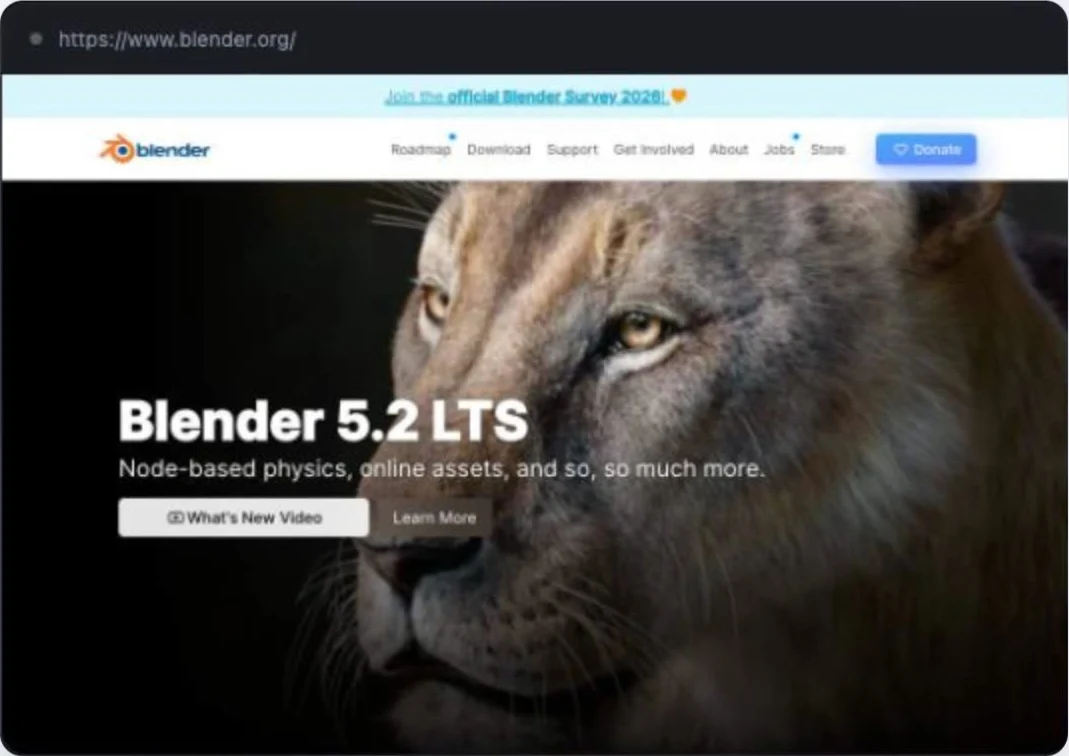
04 A shared next step
Pip's research can become Tess's announcement. Share findings and completed artifacts within a mission, or queue the next coworker's contribution.
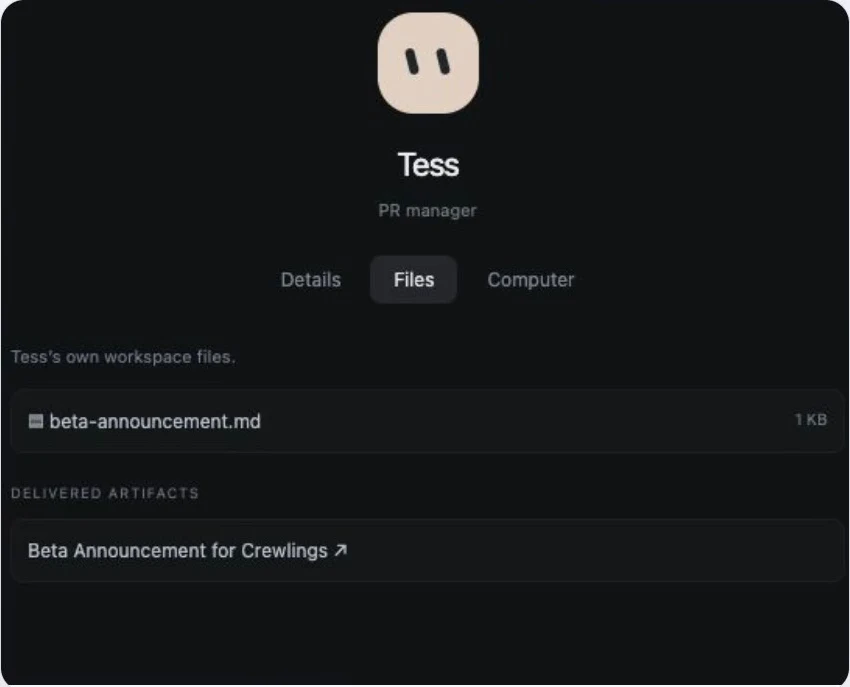
Captured from the working local prototype.
Meet your coworkers
A name. A role. A place in the team.
You decide who does what.

Engineer
Give Milo a technical question to research, a specification to work through, or findings to save for the team.
These are starting roles. Names and roles are editable in the app.
An interactive preview
Pick a coworker. Give them a starting point.
Explore an example of how a task can move through the crew.
A scripted walkthrough. No AI call, recording, or external action.
Voice in the app
The local prototype uses push-to-record voice. This website doesn't access your microphone.
This shows a possible task flow, not a completed assignment. In the app, the model works with the tools you've enabled.
Behind the little faces
The office is the interface.
The work happens underneath.
Keep company facts and your mission available to the crew. Saved work, messages, and settings persist in the local app.
Enable browser and file tools per coworker. Configure Gmail or a supported MCP service, then review actions that need approval.
Use an installed Ollama model. The current prototype runs model requests in order and continues while the local service is running.
Built and tested locally. Gmail and MCP connections require setup. They are not connected in this demo.
A few things to know
Crewlings is a working local prototype. The film shows the actual 3D office, browser screens, task interface, and saved artifacts. Browser work and teammate handoffs have been checked with the installed small Qwen model. Open-ended task quality and long-term autonomy are still being developed.
Yes. Each of the six coworkers has an editable name and role in the app. Those details guide task routing and the model's instructions. You can also set your company name, logo, mission, and company facts.
They can share messages and completed artifacts within a mission, and queue another coworker's contribution. Contributions run in order rather than all at once. The current runtime limits a mission to eight contributions.
Each coworker has a separate browser context, with its own cookies and local storage, plus workspace files. They share one Chromium process. The screen in their chat is a browser capture, not a separate virtual machine or a full remote desktop.
Voice uses record, transcribe, review, and send, with a 30-second recording limit. Gmail requires Google OAuth setup. MCP plugins require a supported public Streamable HTTP endpoint and authentication. Gmail and MCP behavior has been tested with fixtures; this demo has no real mailbox or external plugin connected.
Work continues while your local service and model are running. It stops when the machine sleeps or the service closes. Model inference and app storage are local; browser pages, Gmail, plugins, and optional browser speech services can use the network.
Crewlings